
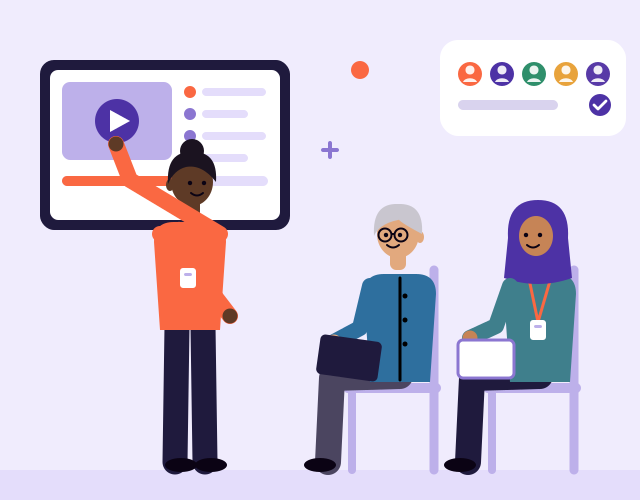
Before you launch: test with a few people, then make it simpler
Small usability tests and simpler forms are two of the cheapest ways to improve a new website, app or digital product before launch. Here is how to do both.
Unpaid carers are often the people who find, book and manage care for someone else. If your service works for them, it works for a lot of people.

Many of the people who use care services, health apps and information websites are not the person receiving care. They are a daughter, a partner, a neighbour or a friend. According to the Office for National Statistics, Census 2021, an estimated 5.0 million people aged 5 and over in England and Wales provided unpaid care in 2021. [S21]
For many of them, caring is close to a full time job. The same census estimated that 1.5 million people provided 50 or more hours of unpaid care a week. [S21]
Behind those numbers are people who are juggling work, family and appointments, and who often meet your service at a difficult moment: after a fall, a hospital stay or a new diagnosis.
When we design for unpaid carers, a few things come up again and again.
You do not need to rebuild everything. Some of the most useful changes are simple.
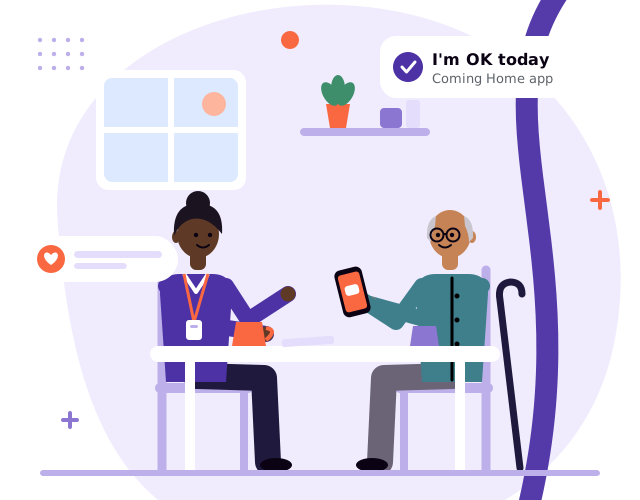
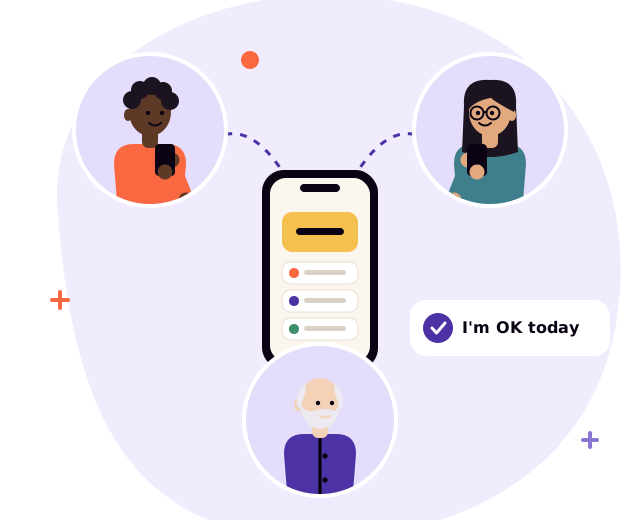
We built Coming Home: Family Care, our own iPhone app, for families looking after someone at home. One of its central features is a daily "I'm OK", a single large button, also on Apple Watch. If it has not been tapped by the time the family chooses, the people in the care circle get follow ups in the order they set. It does one job, and it is designed to be easy for the person using it and easy for the family to trust.
If your service, website or app is used by families and carers, our New product design and Bespoke web apps and iOS apps services can help you design around them. Our Marketing strategies and collateral service can help you reach carers with materials that speak to them clearly.
To talk it through, book a discovery call.

Tell us where you are and what you need. A free discovery call is the easiest way to find out whether we can help.
Use the previous and next buttons, swipe, or the left and right arrow keys on a link to move through the posts.
Small usability tests and simpler forms are two of the cheapest ways to improve a new website, app or digital product before launch. Here is how to do both.

What Skills for Care's figures say about care worker turnover, why the first year matters most, and practical ways providers can help good carers stay.

What the latest NHS England figures show about delayed discharge, why delays build up at handovers, and practical ways to help people get home.
Where AI genuinely helps a business grow, where it does not, and how to start safely, especially if you work in health and care.

Selling to the NHS and councils is different. Who decides, the rules that shape buying, the assurance buyers expect, and how to plan your route in.
Most registered care services in England now use a digital social care record. Here is what the next step looks like, and how to get more from the system you already have.
One in four people in the UK are disabled. Why accessible websites and apps matter, what WCAG 2.2 AA means, and how to build it in from day one.

Fewer features, fewer messages, fewer steps. Why doing less, on purpose, often makes products, brands and services better for the people who use them.
Before you choose software, decide where the truth lives. How to pick a tech stack that grows with you, built around a single source of truth.